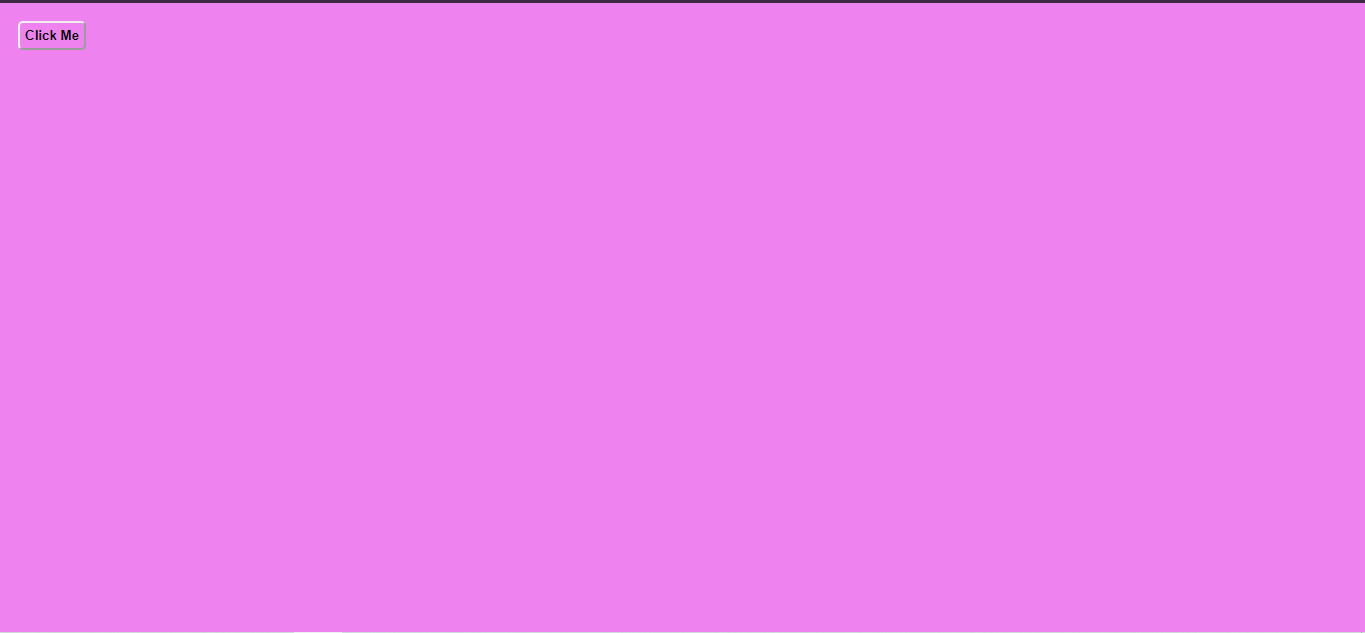
)




Yeni bir seri başlattım. Bu seri yaklaşık 100 - 110 konu olacağını tahmin ediyorum. Buyrun ilk örnek ve kodları.
Kod:
<!DOCTYPE html>

<html lang="en">

<head>

    <meta charset="UTF-8">

    <title>Webailesi.com | Taha KOÇAK</title>


    <script src="https://code.jquery.com/jquery-3.5.0.min.js"></script>

</head>

<body>

    <style>

        .container {

            padding: 10px;

        }


        button {

            padding :5px;

            color : black;

            background: transparent;

            border: 1px solid linear-gradient(black , white);

            font-weight:bold;

            border-radius: 5px;

            outline: none;

        }

    </style>

    <div class="container">

        <button >Click Me</button>

    </div>


    <script>

        const button = document.querySelector('button')

        const body = document.querySelector('body')

        const colors = ['red', 'green', 'blue', 'yellow', 'pink', 'purple','lightblue','lightgreen']


        body.style.backgroundColor = 'violet'

        button.addEventListener('click', changeBackground)


        function changeBackground(){

        const colorIndex= parseInt(Math.random()*colors.length)

        body.style.backgroundColor = colors[colorIndex]

        }

    </script>

</body>

</html>